
SITUATION: You are proctoring a test and notice that after you release the students to move into the next section that the student stays 'stuck' on a loading screen.
RESOLUTION:
| 1 |
Reseat the student and have the student log back into the test
|
|
If the student is still unable to move past the 'loading' screen, we next will try a more thorough reset of the student's session by; submitting the session, unsubmitting the session and then reseating the session. |
|
| 2 |
Choose the "Submit Session" button
|
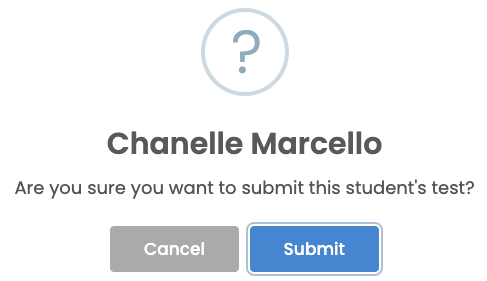
| 3 |
Choose the "Submit" button
|
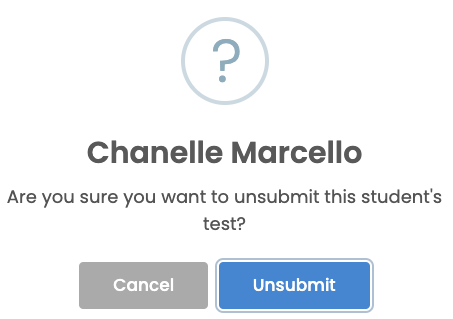
| 4 |
Choose the "Unsubmit Session" button
|
| 5 |
Choose the "Unsubmit" button
|
| 6 |
Choose the "Reseat Session" button
|
| 7 |
Choose the "Reseat" button
|
| 8 |
Your student is now in a 'Reseat' State and should try logging out of the lockdown browser and log back in. If when your student gets back into the test, they are in Section 1:
|





Comments
0 comments
Please sign in to leave a comment.