Skip to main content
How do I log into the Proctor Dashboard as a Proctor
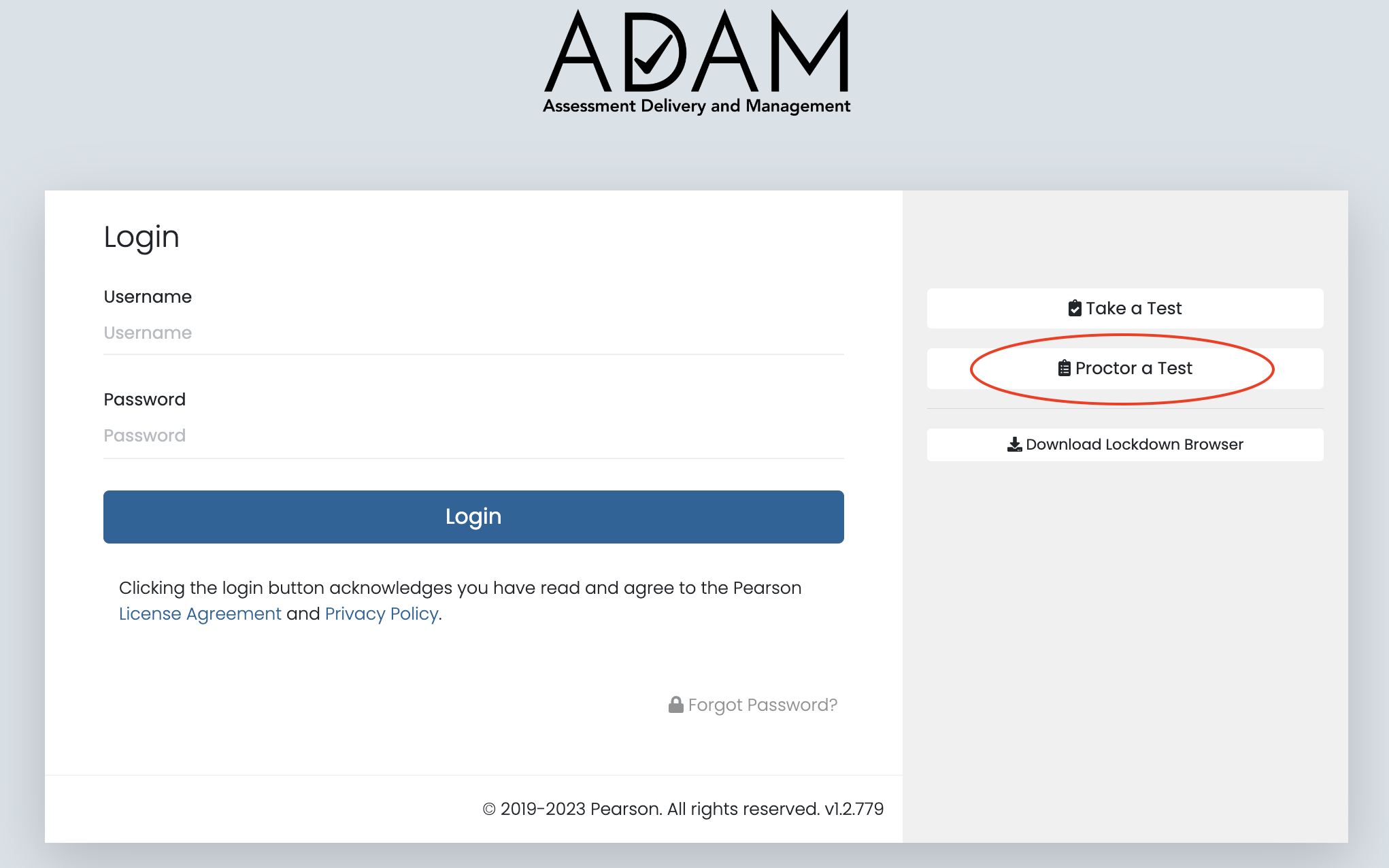
- Navigate to adamexam.com in your web browser.
- Click the Proctor Login button
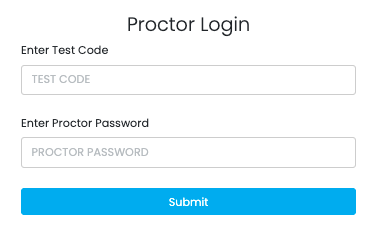
- Enter the Test Code - this is the same code your students used to log into the assessment
- Enter the Proctor Password - this was provided to you by your Test Administrator - STC or DTC and can also be found on the Assessment Roster
- Click the Submit button
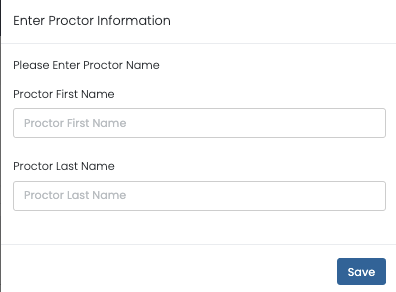
- If you are the first Proctor to log into this assessment, enter your First and Last Name and click Save
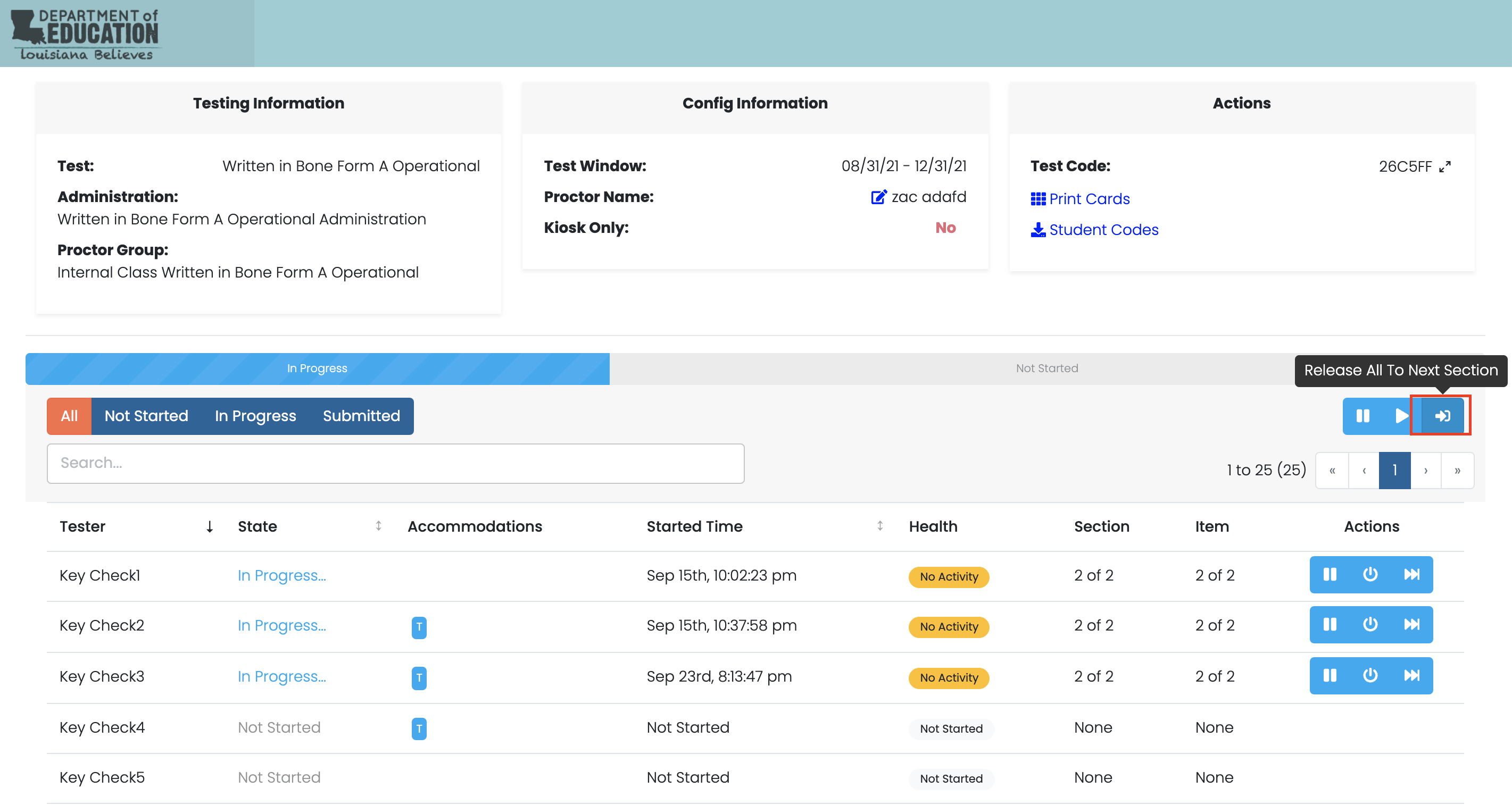
- You are now on the Proctor Dashboard

Comments
0 comments
Please sign in to leave a comment.