
Request a Forgot Password Email from ADAM
If you know you already have an account in ADAM, but you cannot remember your password.
If you are an STC and have never had an account in ADAM before, you need to contact your District Test Coordinator to get an account.
This is the best self service way to generate an email for you to get going again.
- Go to www.adamexam.com
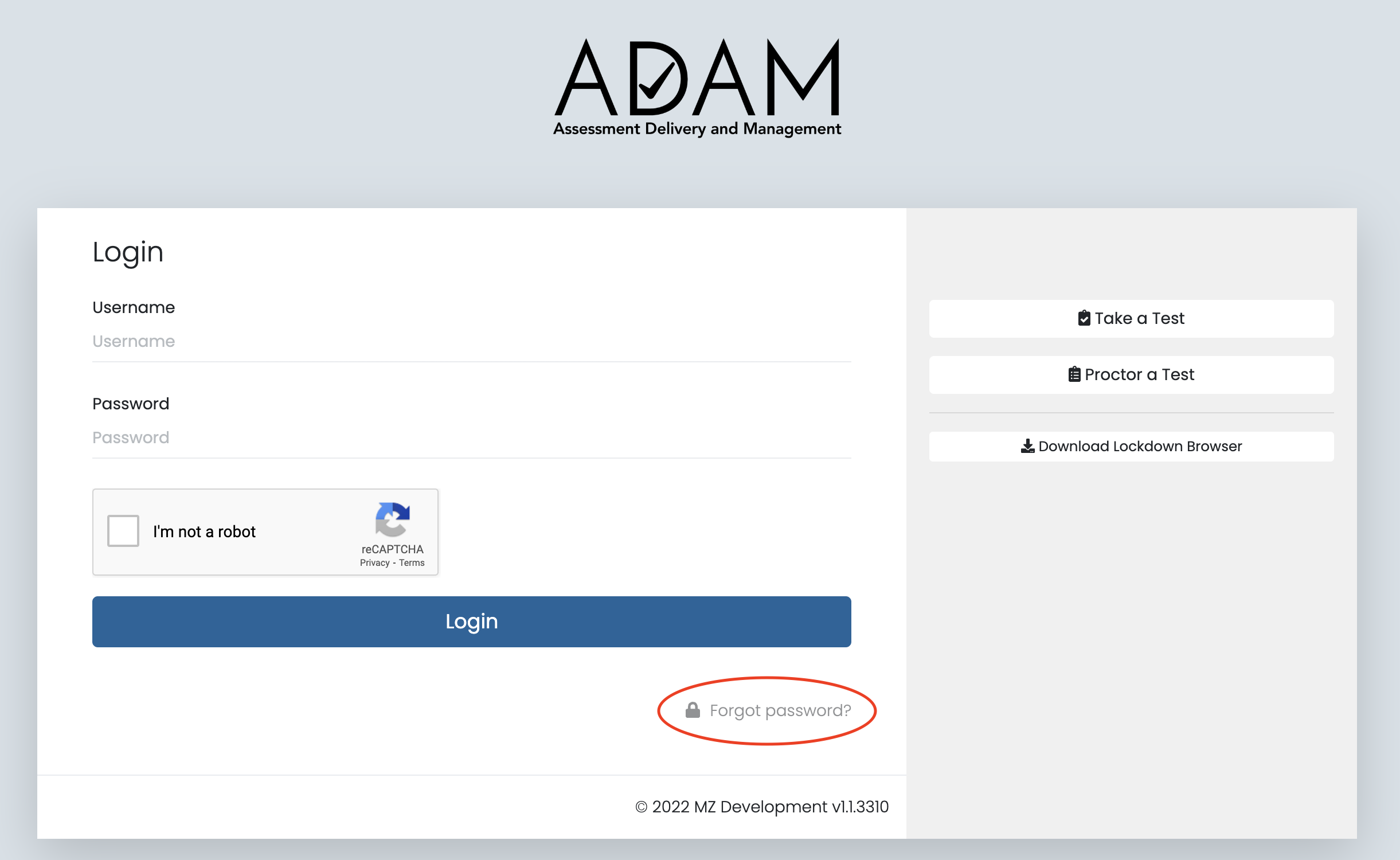
- Select Forgot password? from the Login screen.
- Enter your district email address and press the Send Reset Email.
- You will receive an email from no_reply@mzdevinc.com that contains a temporary URL.
- Click the link in the welcome email to gain access to ADAM. You will be asked to create a new password for your account. Please note that the password link in the welcome email can only be used once. The email link expires after 24 hours.
Comments
0 comments
Please sign in to leave a comment.